
WhatsApp Beta gives adventurous users the chance to preview new features and enhancements before they reach the general public. Hosted on Google Play’s beta testing channel , the WhatsApp Beta program allows fans, testers, and tech enthusiasts to explore experimental builds, report bugs, and help shape the future of the world’s leading messaging app.
What Is WhatsApp Beta?
WhatsApp Beta is the testing version of WhatsApp Messenger that includes new features, UX changes, design tweaks, and performance updates that aren’t yet available in the stable release. Beta testers often get early access to features like interface redesigns, advanced media options, message editing, improved privacy tools, or integrations with other Meta products. By joining the beta, you act as a real-world tester who can provide feedback, discover bugs, and help WhatsApp’s developers refine upcoming updates.
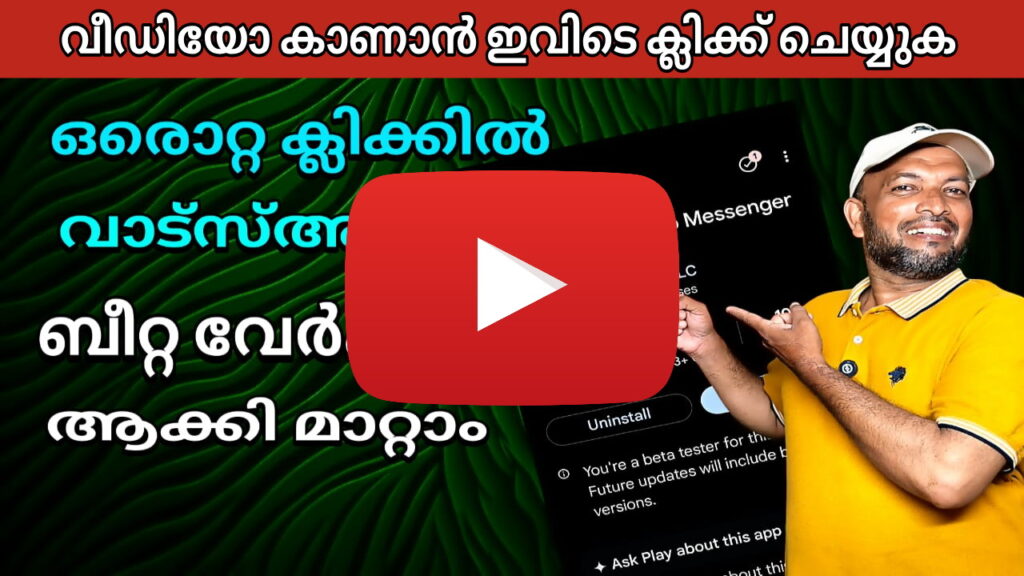
How to Join WhatsApp Beta (Android)
- Visit the Google Play Beta testing alink and sign in with your Google account.
- If spots are available, click “Become a tester” to enroll in the beta.
- Open WhatsApp from Google Play and update to the beta version.
- You’ll be running the testing build alongside or instead of the public release.
Note: The beta program sometimes reaches capacity, preventing new testers from joining. In such cases, you’ll see a message that the program is full.
Also, when you leave the beta channel, you may need to uninstall and reinstall the stable version or revert to a public release. Always back up your chat history before switching.
How to Join on iOS (TestFlight)
For iPhone or iPad users, WhatsApp uses Apple’s TestFlight beta system. You’ll receive an invitation link to enroll if slots are open.
After accepting the invitation in TestFlight, you can download the WhatsApp beta build and install it. Just like on Android, you’ll get new features earlier—plus you can submit feedback directly via TestFlight.
Why Use WhatsApp Beta?
- Exclusive access: Try features before the public release (for instance, new UI designs, media improvements, or social integrations).
- Provide feedback: Report bugs, suggest improvements, and help ensure stability before wider rollout.
- Stay ahead of the curve: Be among the first to experience innovations, such as upcoming UI themes or deeper integration with Meta services.
However, there are trade-offs: beta versions may be unstable, crash more often, or lack polish compared to the stable version.
Recent Beta Features & Highlights
The Android beta version 2.25.29.16 introduced the ability to link a Facebook profile to your WhatsApp account.
WhatsApp is also experimenting with a “username reservation” feature, which would let users connect without needing to share phone numbers.
On iOS, the latest beta builds include UI refinements and media download quality settings.
Tips & Precautions
Backup your chats before joining or switching beta versions to avoid data loss.
Be prepared for bugs and quirks—that’s part of beta testing.
If the beta program is full, you may have to wait for openings or leave and re-join later.