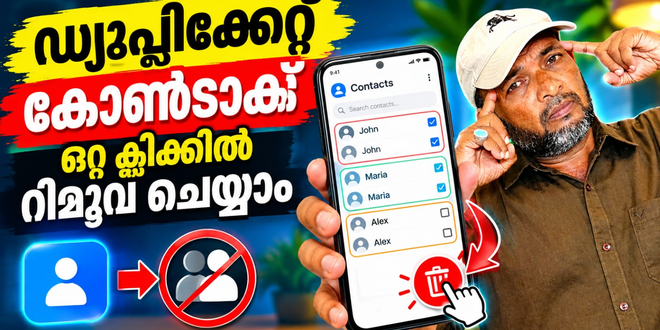
Duplicate contacts can make a phonebook difficult to manage, especially when contacts are synced across multiple accounts. Repeated names and numbers can slow down searches and make it harder to find the right person. Duplicate Contacts Fixer by Systweak Software is designed to scan an Android device for duplicate entries and help users clean up their contact list. It can be particularly helpful after importing contacts, changing devices, or combining contacts from different accounts over time regularly.
What is Duplicate Contacts Fixer?
Duplicate Contacts Fixer is an Android utility that identifies similar and duplicate contacts. The app can scan a selected contact account, group matching entries, and let users review the results before removing duplicates. According to its Google Play listing, it can also merge similar contacts while preserving information in the original contact.
Key Features of Duplicate Contacts Fixer
Find Duplicate Contacts
The app uses an optimized scanning process to identify duplicate entries. After scanning, similar contacts are arranged in groups, making it easier to review repeated records.
Batch Delete Duplicates
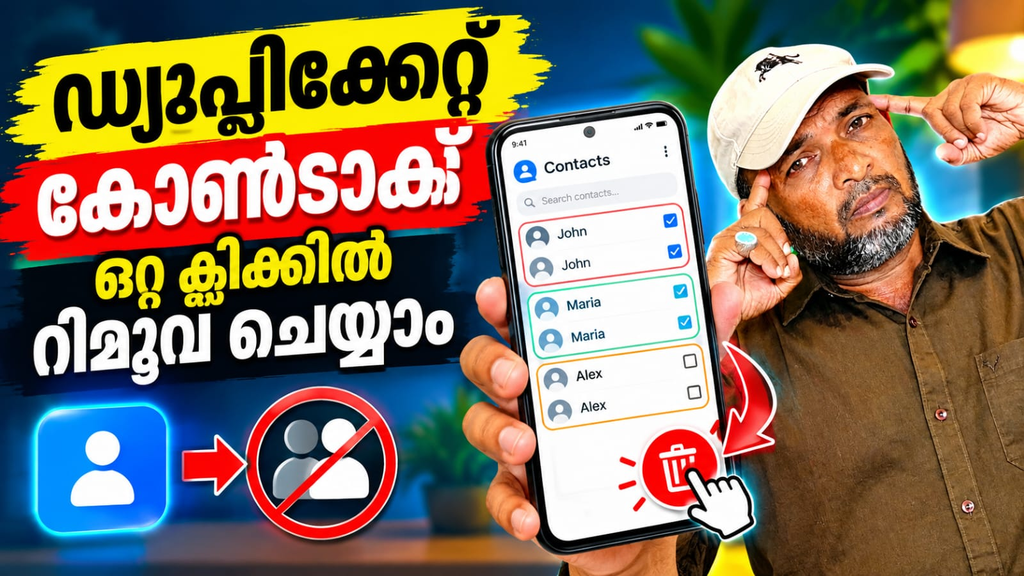
Instead of checking every repeated contact individually, users can review grouped results and remove multiple duplicates together. The app marks detected duplicates for removal, while users can change selections before confirming the cleanup.
Contact Backup
Duplicate Contacts Fixer provides a backup option before removing contacts. The backup is created as a VCF file, which can be used to recover contacts when necessary. This gives users an additional step for protecting important phonebook information.
Supports Large Contact Lists
The Google Play description says the application can work with 10,000 or more contacts. Its lightweight design is intended to keep the cleanup process convenient, even when a device contains a large contact collection.
How Does It Work?
Using the app is straightforward. First, open Duplicate Contacts Fixer and choose the account containing duplicate contacts. Start a scan to identify repeated entries. Once the scan finishes, review the grouped contacts and check which entries are selected. You can make changes if you want to keep particular contacts. After reviewing the results, select the delete duplicates option to complete the cleanup.
Privacy and App Information
The Google Play listing states that the developer does not share user data with third parties. It also notes that contact access is required for scanning and managing duplicates. The listing shows the app contains ads and in-app purchases and was updated on April 23, 2026.
Duplicate Contacts Fixer is a useful utility for Android users who regularly deal with repeated contact entries. Its scanning, grouping, batch cleanup, and backup features can simplify contact management. Before removing anything, reviewing the detected groups and keeping a backup is a sensible step.
Duplicate Contacts Fixer, Duplicate Contacts Fixer Android, remove duplicate contacts, duplicate contact remover, clean Android contacts, merge duplicate contacts, contact cleaner app