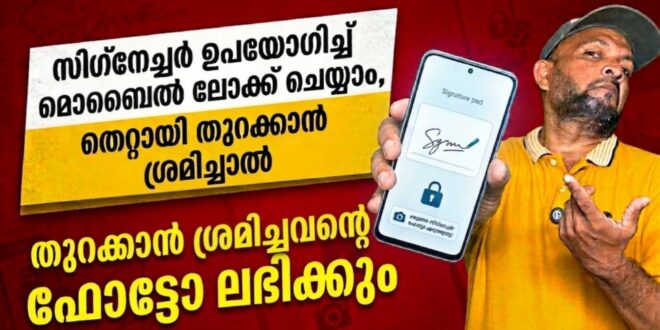
If you want a more creative way to secure your Android phone, Gesture Lock Screen is an app worth checking out. Instead of using a regular PIN, pattern, or fingerprint alone, this app allows users to unlock their phone by drawing a custom gesture. That means you can use letters, symbols, numbers, signatures, or even your own unique drawing as a password. According to its Google Play listing, the app is designed to combine security, personalization, and convenience in one lock screen solution.
What Is Gesture Lock Screen?
Gesture Lock Screen is an Android app developed by Q Locker and listed in the Lifestyle category on Google Play. It is designed to replace the standard phone lock screen with a more customizable gesture-based unlocking system. Users can create, change, or delete gestures and even choose invisible or custom gesture colors for extra privacy. The app also supports both single-stroke and multi-stroke gestures, making it more flexible than a normal pattern lock. It was updated on March 3, 2026, and has crossed 10 million downloads on Google Play.
Top Features of Gesture Lock Screen
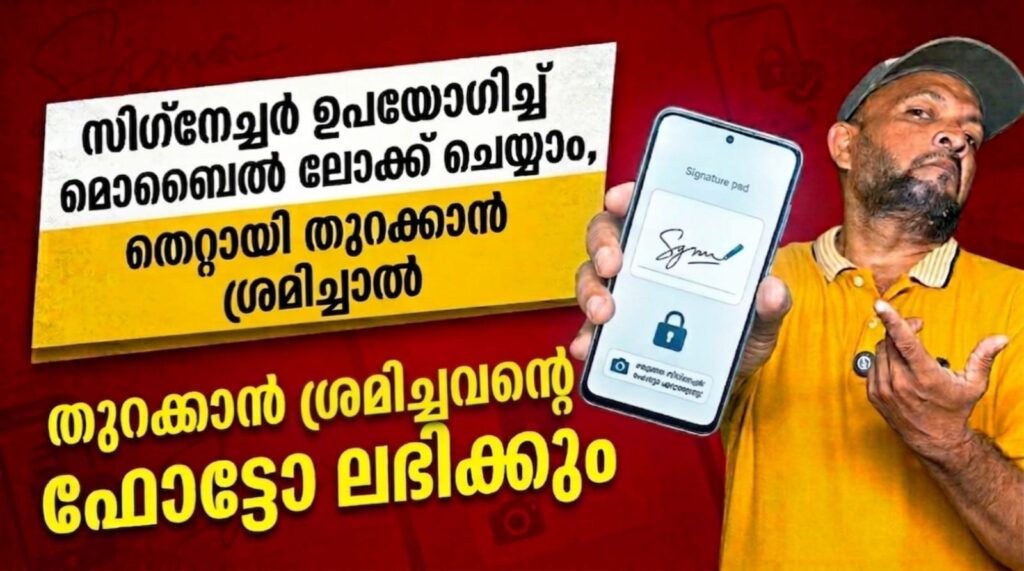
One of the main highlights of the app is its gesture password system, which lets users create highly personalized lock methods. Another standout feature is Intruder Selfie, which can capture a photo when someone enters the wrong gesture or PIN multiple times. The app also includes a Time Password option, where the current time can act as your password, giving users an extra layer of smart security. In addition, it offers recovery passwords, wallpaper customization, lock and unlock sounds, date and time display settings, and animation effects. The app also states that it uses the Accessibility API to help keep the lock screen secure during calls.
User Experience and Practical Use
Gesture Lock Screen is especially useful for users who want something more unique than a standard lock screen. It can be a good choice for people who prefer drawing-based security or want a lock screen that feels more personal and stylish. The customization features make it appealing for users who enjoy changing wallpapers, sounds, and visual effects. However, some user reviews on Google Play mention occasional glitches or compatibility issues on certain Android devices, while others praise the app’s flexibility and creative lock options.
Privacy and Data Safety
Google Play’s data safety section says the developer reports no data shared with third parties, while the app may collect app info, performance data, and device or other IDs. It also notes that data is encrypted in transit.
If you are looking for a gesture password lock app for Android, Gesture Lock Screen is a feature-rich option. It combines creative phone security with useful extras like intruder selfies, time passwords, and lock screen customization.