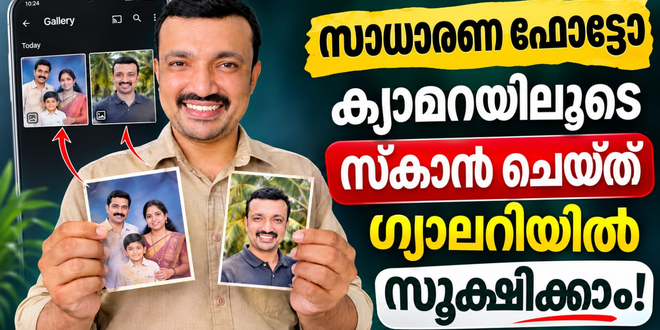
Printed photographs hold precious memories of family, friends, celebrations and special moments. However, old photo albums can become damaged, faded or difficult to share. PhotoScan by Google Photos is a mobile photo scanner app developed by Google LLC. It helps users convert printed photographs into digital images using a smartphone camera. With automatic cropping, perspective correction and glare removal, it makes preserving old memories easier.
What Is PhotoScan by Google Photos?
PhotoScan is a free photo scanning application designed to digitise printed pictures. Instead of simply taking a photograph of an existing photo, the app uses a guided scanning process to create cleaner digital copies. Users can save scanned images to their devices and organise them through Google Photos.
Key Features of PhotoScan
1. Glare-Free Photo Scanning
One of the most useful features is glare removal. The app captures multiple images from different positions and combines them to reduce reflections caused by lighting or glossy photo surfaces. This helps create clearer digital scans.
2. Automatic Edge Detection
PhotoScan automatically identifies the edges of printed photographs. This makes cropping easier and helps remove unnecessary background areas around the original picture.
3. Perspective Correction
Photographs captured at an angle can appear uneven or distorted. The perspective correction feature adjusts the scanned image to create a straight, rectangular result.
4. Smart Image Rotation
The app automatically adjusts photo orientation, helping scanned pictures appear correctly whether the original photograph is vertical or horizontal.
5. Google Photos Integration
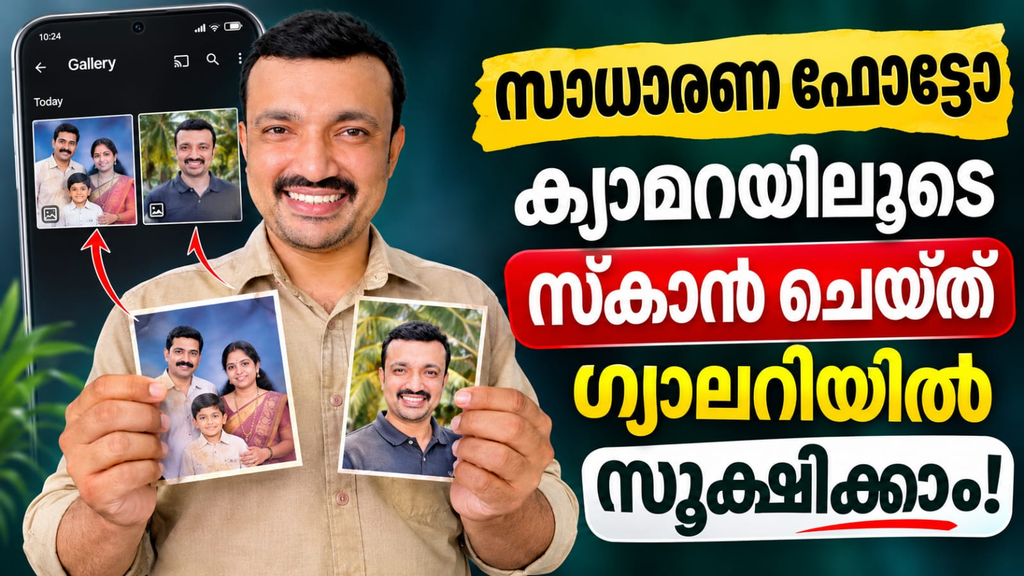
Users can save scanned photographs and organise them using Google Photos. They can also back up, search, edit and share their digital memories through the Google Photos platform.
How to Use PhotoScan
Using PhotoScan is simple, even for beginners.
- Install PhotoScan on your compatible smartphone.
- Open the application and place a printed photograph on a flat surface.
- Position your phone above the picture and capture it.
- Move your phone over the four displayed dots.
- Allow the app to process the image and remove glare.
- Review the scanned photograph and save it.
For better results, use good lighting, keep your phone steady and place the photograph against a contrasting background.
Who Should Use PhotoScan?
PhotoScan is useful for families, students, photographers and anyone who wants to preserve old printed pictures. It is especially helpful for people digitising family albums, childhood photographs, historical pictures and memorable events without purchasing a separate scanner.
PhotoScan by Google Photos is a convenient Android photo scanner for preserving printed memories. Its glare removal, automatic cropping, perspective correction and Google Photos integration make photo digitisation straightforward. If you want to convert old photographs into digital copies using your phone, PhotoScan is worth considering.
PhotoScan by Google Photos, Google PhotoScan app, photo scanner app, scan old photos, scan printed photos, digitise photographs, glare-free photo scanning, Android photo scanner, Google Photos app.
Tap Below to Copy the Prompt