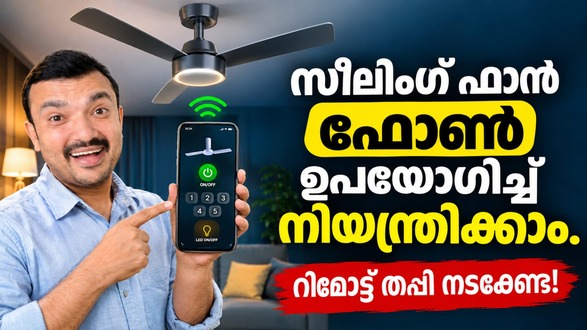
Managing a ceiling fan becomes easier when you can use your smartphone instead of searching for a physical remote. Universal BLDC Fan Remote by Galaxy Apps Orbit is an Android utility designed to control compatible BLDC ceiling fans through a phone’s built-in infrared (IR) blaster. It offers multiple remote profiles and essential controls, making it a useful alternative or backup for supported fan models.
What Is Universal BLDC Fan Remote?
Universal BLDC Fan Remote is a mobile application that turns a compatible Android phone into a fan remote. It supports several popular ceiling fan brands, including Atomberg, Orient, Bajaj, Crompton, Havells, Usha, Polycab and V-Guard. However, compatibility depends on the specific fan model and whether your smartphone has an IR blaster.
Key Features of Universal BLDC Fan Remote
1. Power On and Off
The application allows users to switch compatible BLDC fans on or off directly from their smartphones. This is especially helpful when the original remote is missing or damaged.
2. Fan Speed Control
Users can adjust the speed of supported fans through simple on-screen controls. This makes it convenient to select a comfortable airflow level without using a separate remote.
3. Timer Function
The built-in timer feature provides access to supported timing options. Users can select an available timer setting directly from the application, depending on their fan model.
4. Multiple Remote Profiles
Different fan manufacturers may use different infrared signals. The app provides multiple remote profiles, allowing users to select their brand and test available options until they find a compatible one.
5. Favourite Remote Profiles
Users can save frequently used remote profiles for quicker access. This reduces the need to search for the same configuration every time they open the application.
6. Simple and Lightweight Interface
The application offers a clean remote-style layout designed for straightforward navigation. Its lightweight design also supports smooth operation on compatible Android devices.
How to Use the App
Getting started is simple. Open Universal BLDC Fan Remote, select your fan brand and choose a remote profile. Point your phone towards the ceiling fan and test the power button. If the selected profile does not respond, try another available option.
Important Compatibility Requirements
The most important requirement is an Android smartphone with a built-in IR blaster. Without this hardware, the phone cannot transmit infrared commands to the fan. The application does not require Wi-Fi, Bluetooth or account registration for its remote-control functions.
Universal BLDC Fan Remote is a practical utility for users who want smartphone-based control of compatible BLDC ceiling fans. Its speed adjustment, timer options, multiple profiles and favourite settings make everyday operation convenient. Before using it, check your phone’s IR hardware and confirm compatibility with your fan model.
Universal BLDC Fan Remote, BLDC fan remote app, fan remote for Android, smartphone fan controller, IR fan remote, ceiling fan remote app, control BLDC fan with phone, Galaxy Apps Orbit.