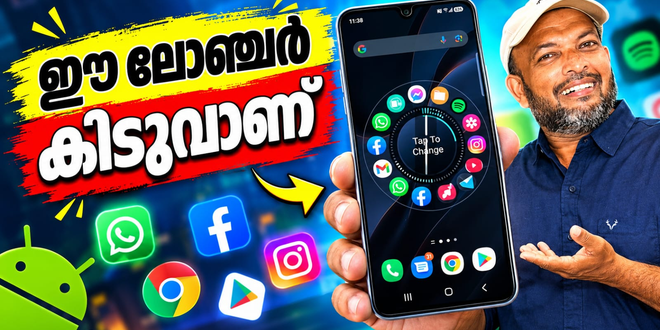
Nocebo Launcher is an Android launcher designed for users who want something more creative than a traditional grid of app icons. Instead of keeping the home screen static, it introduces a fluid spinning layout that makes navigating apps feel more interactive. The Google Play listing describes it as a highly customizable, shapeshifting launcher focused on aesthetics, control, and smooth navigation. The rotating design can make the home screen feel less repetitive than standard launchers. Users who enjoy experimenting with layouts, motion, icons, and widgets can build a setup that reflects their preferred style and daily workflow.
What is Nocebo Launcher?
Nocebo Launcher replaces the conventional Android home screen with an interactive spinner. Apps can be accessed through a rotating layout, creating a distinctive way to move around the device.
The launcher also provides an app drawer where users can organize applications with drag-and-drop sorting, folders, and widgets.
Key Features of Nocebo Launcher
Spinning Layout
The main attraction is its rotating home screen. The interactive spinner provides a different navigation experience and gives the launcher a recognizable visual identity.
Custom Center Sticker
Users can personalize the center of the spinner with a sticker.
Dynamic App Drawer
The app drawer supports drag-and-drop organization, custom folders, and direct widget integration. This makes it easier to arrange frequently used apps and create a setup that matches personal habits.
Extensive Customization
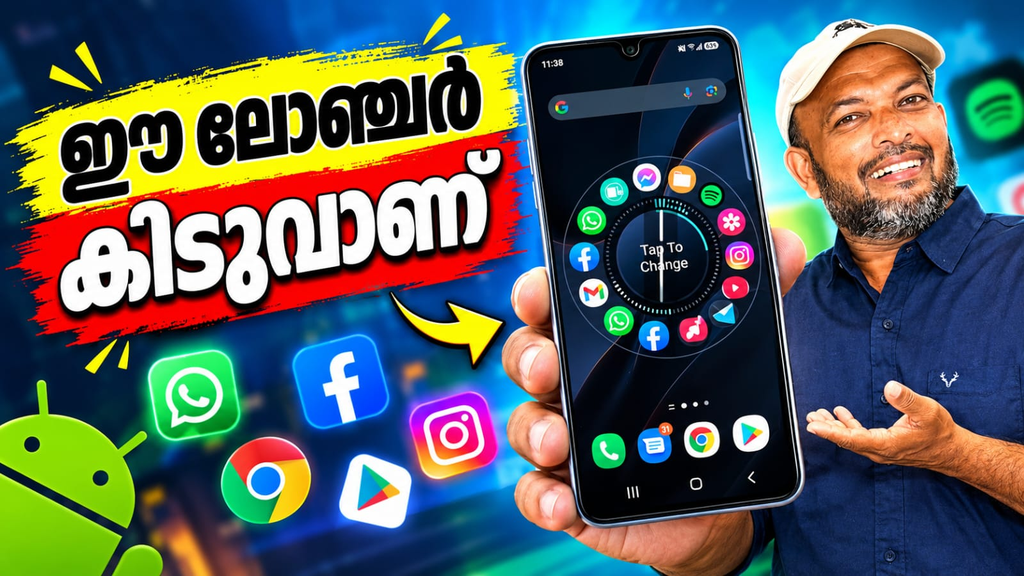
Nocebo Launcher offers many configuration options for its interface. Recent updates listed on Google Play include themed icons, custom app images, themed folders, folder cover modes, an unlock animation, and a spinner wheel editor.
Privacy and Permissions
The Google Play listing states that Nocebo Launcher does not collect data and does not share data with third parties. Some optional permissions support features such as desktop gestures, app predictions, and the floating spinner. The listing says usage data used for predictions is processed on the device, while the display-over-other-apps permission is used for the spinner and smoother transitions.
Why Choose Nocebo Launcher?
Nocebo Launcher is a good choice for Android users who want their phone to look and behave differently. It combines a playful spinning interface with useful organization tools. If you enjoy personalized layouts, custom icons, folders, widgets, and alternative navigation styles, this launcher is worth exploring.
Nocebo Launcher offers a fresh approach to Android customization. Its spinning interface, customizable center sticker, dynamic app drawer, and growing collection of personalization tools make it an appealing option for users seeking a distinctive home screen experience.
Nocebo Launcher, Nocebo Launcher Android, spinning Android launcher, Android home screen, customizable launcher, Android launcher app, Nocebo launcher features, unique Android launcher