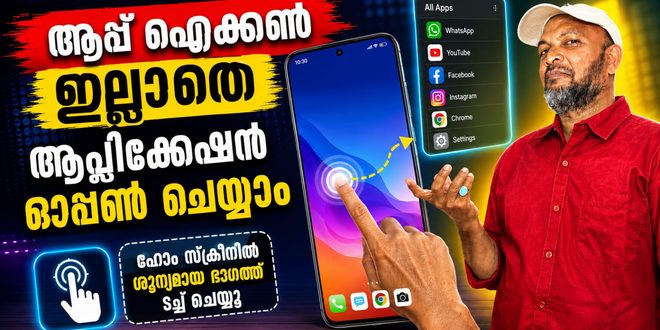
If you want to give your Android home screen a personal and stylish appearance, Photo Actions: Change App Icon is a useful app to explore. Developed by CFY Apps, this tool allows users to create custom photo widgets, replace ordinary app icons with personal images, and make invisible shortcuts for selected applications. It is designed for people who enjoy minimalist layouts, creative wallpapers, and convenient home-screen controls.
What Is Photo Actions: Change App Icon?
Photo Actions is an Android customization app that works through widgets rather than replacing the entire launcher. Users can select an image from their gallery and use it as a shortcut for opening an installed application. This makes it possible to create a home screen that matches personal preferences, favorite colors, or a specific aesthetic.
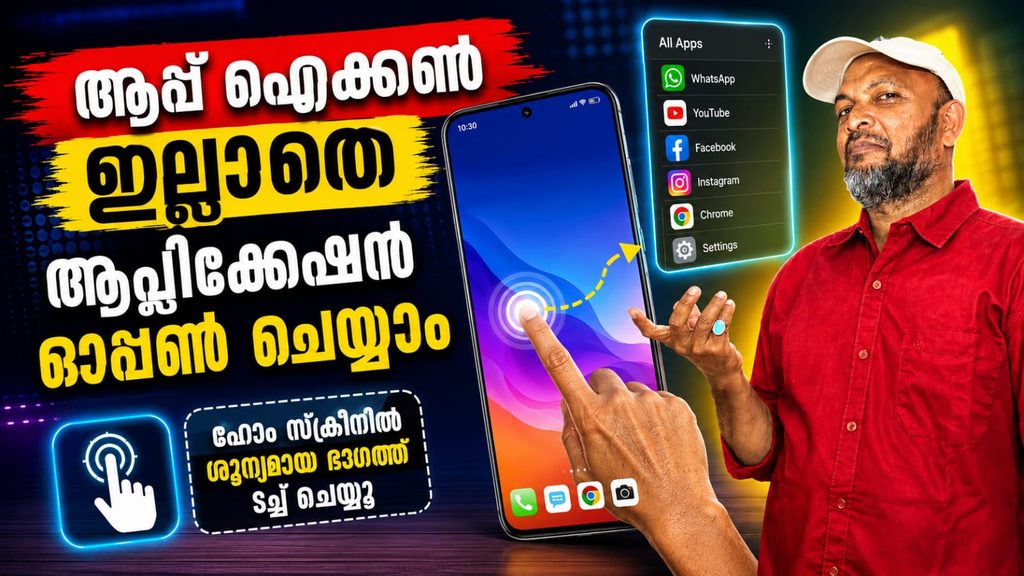
The app also offers transparent shortcuts. By adjusting the transparency slider, users can make a widget completely invisible. Tapping the selected area of the wallpaper can then launch the assigned application. This feature may be useful for maintaining a clean layout or keeping certain app shortcuts discreet.
Key Features of Photo Actions
Custom Photo Widgets
One of the main features is the ability to replace standard app icons with photos from the gallery. Users can create personalized shortcuts for their favorite applications and arrange them creatively on the home screen.
Invisible App Shortcuts
The transparency option allows widgets to blend into the wallpaper. When the shortcut is made invisible, users can still tap its position to open the connected app. However, the feature should not be considered a complete security or app-locking solution.
Useful Home-Screen Tools
Photo Actions also includes simple productivity widgets. Users can create shortcuts for turning on the flashlight, calling selected contacts, opening frequently visited websites, and placing text notes on the wallpaper. These tools can reduce the number of steps needed for everyday tasks.
Privacy-Focused Design
According to the Google Play listing, the app uses Android’s secure photo picker and does not require broad storage access. It also states that personal photos and installed-app information remain on the device. Nevertheless, users should review the app’s Data Safety section because the listing indicates that some data types may be collected or shared.
Pricing and User Experience
Photo Actions contains advertisements and offers in-app purchases. The developer provides a one-time lifetime Pro unlock instead of a subscription. The Google Play listing shows a 4.4-star rating and more than one million downloads, indicating that the app has attracted a considerable user base.
Photo Actions: Change App Icon is a lightweight option for users who want a personalized Android home screen without installing a complete custom launcher. Its photo widgets, invisible shortcuts, and practical tools make it suitable for creative layouts and quick access. However, users should remember that invisible shortcuts are mainly a customization feature, not a replacement for proper privacy protection.
Photo Actions Change App Icon, Photo Actions Android App, Change App Icon with Photos, Invisible App Shortcuts, Android Home Screen Customization