
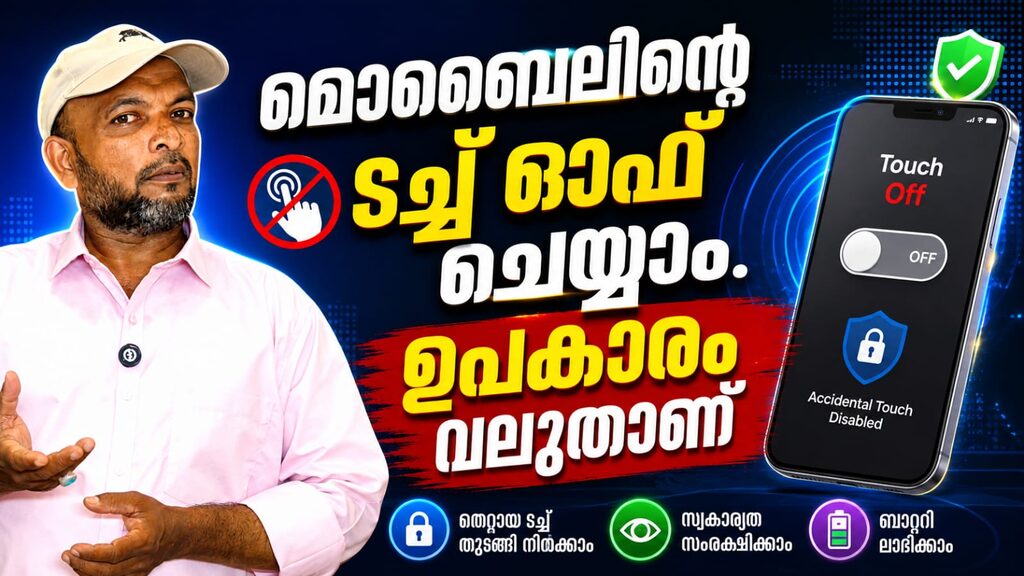
Accidental touches on a smartphone screen can be frustrating, especially when watching videos, reading, tracing artwork, or allowing children to use a phone. Touch Lock – Disable Touch is an Android utility app designed to temporarily disable touch input and help prevent unwanted taps and screen interactions.
The app offers a simple way to lock the touchscreen while keeping the device display active. Users can activate the feature through a control notification or a Quick Settings tile on supported Android devices.
What is Touch Lock?
Touch Lock – Disable Touch is an Android tool designed to block unintended touches by disabling touchscreen input. It can be useful when you want to keep a video playing without accidental taps or prevent unwanted interactions while using another application.
After granting the required permissions, users can enable the touch lock through the app’s notification control. Android 7 and later devices can also use the Quick Settings tile for easier access. The app includes built-in instructions to help users get started.
Key Features of Touch Lock
Disable Accidental Touches
The main purpose of Touch Lock is to temporarily disable touchscreen interaction. This can be useful while watching videos, viewing content, tracing images, or handing a phone to a child.
Quick Settings Tile
The app provides a Quick Settings tile for supported Android devices. This allows users to access the touch lock feature more conveniently without repeatedly opening the application.
Control Notification
Touch Lock includes a dismissible control notification that provides access to the locking function. Recent updates also added a floating button that can help users unlock touch if the notification has been swiped away.
Auto Unlock During Calls
The app includes an automatic unlock feature when the phone receives a call. This can help ensure that users can interact with their device when necessary.
Password and Fingerprint Unlock
According to the latest Google Play update information, Touch Lock added options to unlock touch using a password or fingerprint. These features provide additional flexibility when managing the touch lock.
Night Theme
For users who prefer a darker interface, the app includes a night theme. This can provide a more comfortable viewing experience, particularly in low-light environments.
Benefits of Using Touch Lock
Touch Lock can be useful in many everyday situations. Parents can use it to reduce accidental screen taps when children are watching videos. Artists may find it helpful while tracing images, while users watching tutorials or presentations can avoid unintended interactions.
The app is also suitable for situations where the screen needs to remain visible but touch input should be temporarily disabled. Its simple controls make it accessible without requiring complicated settings.
Important Limitations
Users should note that Touch Lock does not currently lock the navigation buttons or status bar. Therefore, it may not block every possible gesture or system-level interaction. Users should understand this limitation before relying on the app for complete device control.
Privacy Information
According to the Google Play data safety information, the developer states that no data is shared with third parties. The app may collect app activity, app information and performance data, and device or other IDs. Data is encrypted in transit.
Touch Lock – Disable Touch is a practical Android utility for preventing accidental screen taps. With Quick Settings access, control notifications, automatic unlock during calls, password and fingerprint unlocking, and a simple interface, it provides a convenient way to manage touchscreen interaction.
Touch Lock, Touch Lock app, disable touch screen, screen touch lock, Android touch lock, accidental touch prevention, touchscreen lock app, lock phone touch screen, disable touchscreen Android, touch screen blocker, child screen lock.