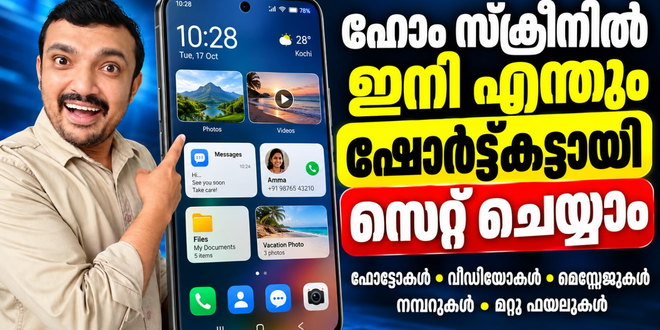
Personalizing your smartphone can make everyday tasks faster and more convenient. Shortcut Maker is an Android customization app developed by Rushikesh Kamewar that helps users create shortcuts for apps, files, folders, websites, and system functions. Instead of navigating multiple screens, you can place useful shortcuts directly on your home screen and access frequently used features more quickly.
What Is Shortcut Maker?
Shortcut Maker is a utility app designed to simplify navigation and customize the Android home screen. It allows users to create shortcuts for installed applications and supported activities. You can also personalize shortcut names, preview them before creation, and organize frequently used shortcuts using favourites and history.
Key Features of Shortcut Maker
1. App and Activity Shortcuts
Create shortcuts for installed applications and supported activities within them. This feature helps users reach specific functions without repeatedly searching through menus.
2. File and Folder Shortcuts
Shortcut Maker supports shortcuts to folders and files stored in internal storage. This can be useful when you frequently access documents, media folders, or other important files.
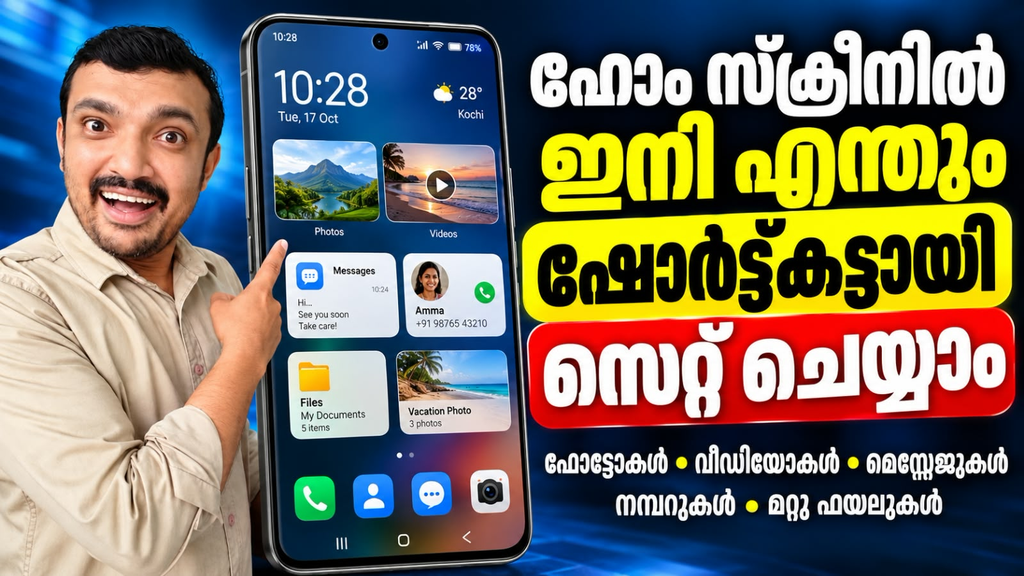
3. Quick Settings Shortcuts
The app can create shortcuts for supported Android system actions and settings. Depending on device compatibility, users can reach selected settings more directly instead of navigating through several menus.
4. Website Shortcuts
Add shortcuts to favourite websites on your home screen. This provides convenient access to frequently visited pages without opening your browser and entering the address each time.
5. Customization and Preview
Before creating a shortcut, users can preview it and change its name. The app also offers customizable shortcut widgets, including options for icons, labels, and spacing, helping users create a more personalized home screen.
6. History and Favourites
The history feature helps users review shortcuts they have created, while favourites provide a convenient way to keep preferred shortcuts organized and accessible.
How to Use Shortcut Maker
Using the app is straightforward. Open Shortcut Maker, select the type of shortcut you want to create, and choose the relevant app, activity, file, folder, website, or supported system function. Customize the shortcut where available, preview the result, and select the create option. Follow any additional Android prompts to add it to your home screen.
Benefits of Using Shortcut Maker
Shortcut Maker can save time, reduce unnecessary navigation, and improve smartphone organization. It is useful for students, professionals, and Android users who want quicker access to important apps and files. The app is available through Google Play, includes in-app purchases, and has surpassed 10 million downloads.
Compatibility and shortcut behaviour may vary depending on the Android version, device manufacturer, and selected activity. Check permissions and review the app’s privacy information before use.
Shortcut Maker is a practical Android shortcut creator for users who value convenience and home-screen customization. With support for apps, files, folders, websites, system actions, and customizable widgets, it offers several ways to simplify daily smartphone use.
Shortcut Maker app, Android shortcut maker, create home screen shortcuts, custom Android shortcuts, app shortcut creator, Android customization app, file and folder shortcuts, website shortcuts, shortcut widgets, Rushikesh Kamewar.