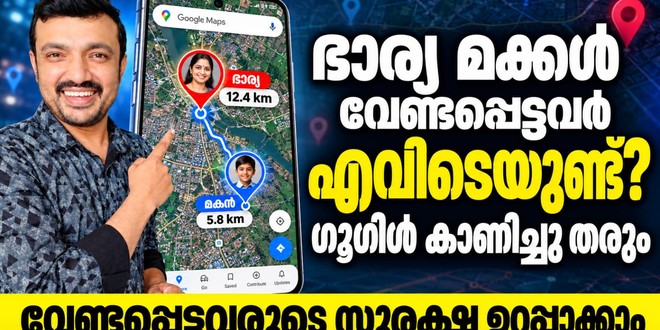
Losing a smartphone, tablet or pair of wireless earbuds can be stressful, especially when personal information is stored on the device. Google Find Hub, previously known as Find My Device, is an Android application designed to help users locate missing devices and protect their data remotely. Developed by Google LLC, it also supports compatible accessories and location sharing with friends and family.
What Is Google Find Hub?
Google Find Hub is a device-tracking and security application available on the Google Play Store. It allows users to view connected devices on a map, play sounds to locate nearby items and remotely secure or erase a missing phone. Its network can also help locate supported devices even when they are offline.
Key Features of Google Find Hub
1. Locate Devices on a Map
The app displays the location or last known location of connected Android phones, tablets, headphones and compatible tracking accessories. This feature helps users identify where they may have misplaced their belongings.
2. Find Devices That Are Offline
One of its useful features is offline finding. Through Google’s Find Hub network, participating Android devices can help detect supported missing items using encrypted location information. Availability depends on device compatibility and network settings.
3. Play Sound to Find Nearby Devices
If a missing phone or accessory is nearby, users can select the play sound option. The device produces an audible alert, making it easier to locate items hidden under furniture, inside bags or elsewhere nearby.
4. Secure a Lost or Stolen Phone
Find Hub allows users to remotely secure a missing Android device. They can lock the screen and add a custom message or contact number so someone who finds the phone can get in touch.
5. Remotely Erase Device Data
If recovering a lost phone seems unlikely, users can choose the erase option to protect personal information. This action permanently deletes data from the device, so it should only be used after careful consideration.
6. Share Live Location
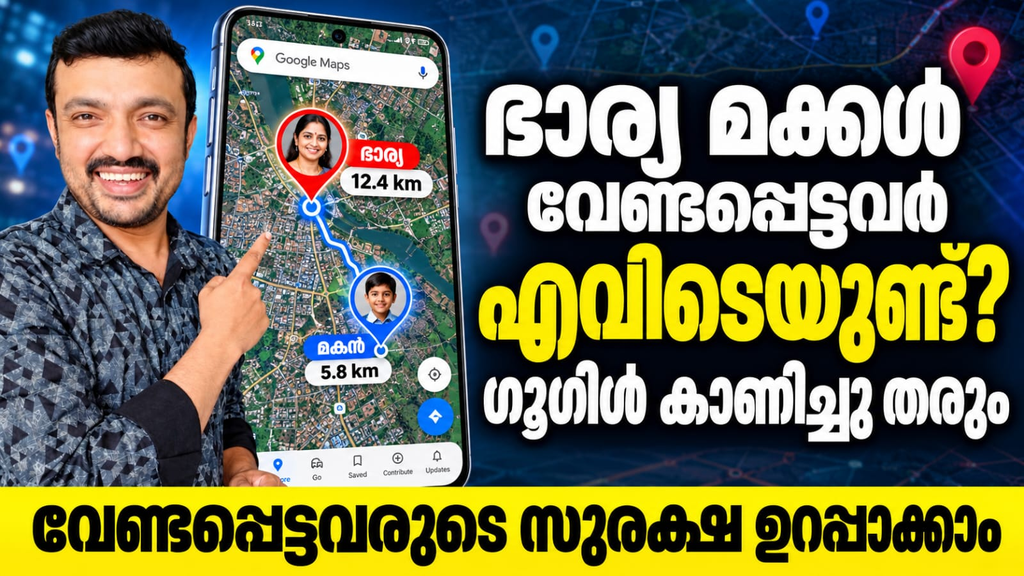
Find Hub also supports location sharing. Users can share their live location with selected friends or family members to coordinate meetings or let loved ones know they have arrived safely.
How to Use Google Find Hub
Sign in with the Google Account connected to your Android device. Open Find Hub on another compatible device or visit Google’s Find Hub website. Select the missing device to view its available location and choose an action, such as playing a sound, securing it or erasing its data.
Benefits and Safety
Find Hub provides convenient device management and additional security options. For the best results, keep location services enabled, use a screen lock and ensure the device is connected to a Google Account. Some features require internet access and compatible hardware.
Google Find Hub is a valuable Android security tool for locating lost devices, protecting personal data and sharing locations. Its offline-finding network and remote security features make it useful for everyday smartphone users.
Google Find Hub app, Find My Device, find lost Android phone, Android device tracker, locate lost phone, remote phone lock, erase lost phone, Google device tracking app.