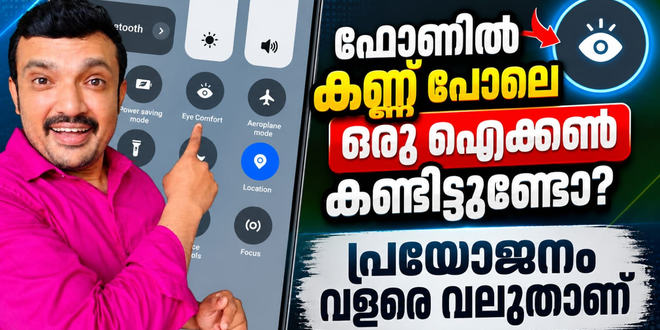
Using a smartphone for long periods, especially at night, can make the screen feel too bright and uncomfortable. Blue Light Filter – Night Mode is an Android application developed by Leap Fitness Group that helps reduce blue light exposure by adjusting screen colors and brightness. It is designed to make nighttime reading and everyday smartphone use more comfortable.
With adjustable filter intensity, a built-in screen dimmer, and automatic scheduling, the app offers a convenient way to customize your screen according to your preferences.
What Is Blue Light Filter – Night Mode?
Blue Light Filter – Night Mode is a screen-filtering app that applies a warmer color tone to your smartphone display. This can make the screen more comfortable to view in dim environments, particularly when reading articles, browsing websites, or using social media before bedtime.
The app is suitable for students, professionals, readers, and anyone who frequently uses their Android phone at night.
Key Features of Blue Light Filter
Adjustable Blue Light Filter
The app allows users to adjust the filter intensity according to their preferences. You can choose a softer screen appearance for comfortable reading or increase the intensity for a warmer nighttime display.
Built-In Screen Dimmer
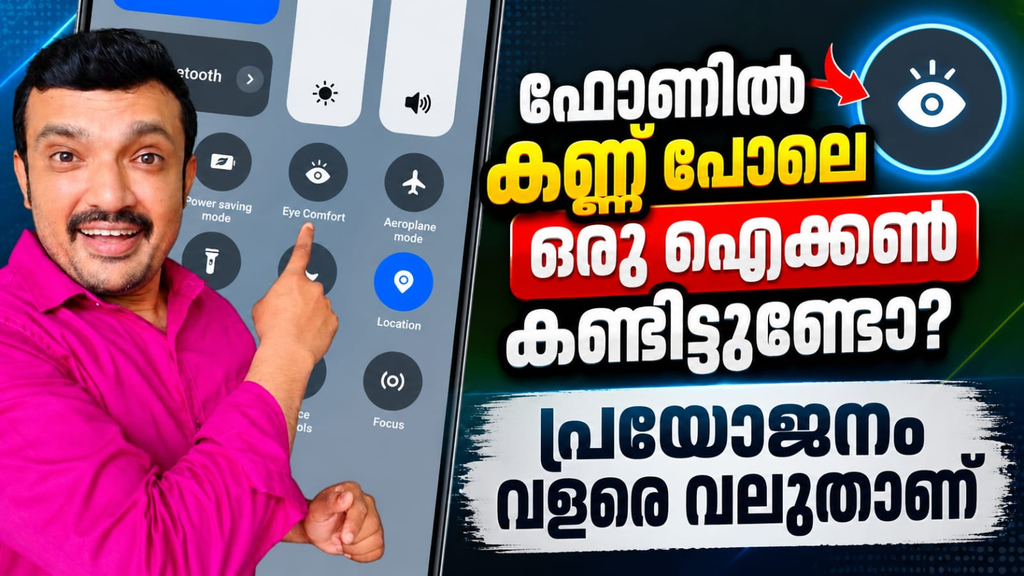
Sometimes, your phone’s minimum brightness is still too high for a dark room. The built-in screen dimmer helps reduce perceived screen brightness further, making nighttime smartphone use more comfortable.
Automatic Timer
The automatic timer lets users schedule when the filter should turn on or off. This feature is convenient for people who follow regular evening routines and prefer not to adjust their settings manually every day.
Easy-to-Use Interface
Blue Light Filter – Night Mode features simple controls that make adjusting screen settings straightforward. Users can activate or pause the filter quickly without navigating complicated menus.
Battery-Friendly Design
The app’s screen-filtering functionality may help reduce power consumption in certain situations, depending on the device and display technology. Actual battery savings can vary between smartphones.
Benefits of Using Blue Light Filter – Night Mode
The app provides a convenient way to personalize screen appearance for nighttime use. Its warmer display and dimming controls can make reading in low-light environments more comfortable.
Students can use it while studying digital notes, professionals can adjust their screens during evening work, and readers can customize their displays when browsing articles or electronic books.
Reducing bright light exposure before bedtime may also support a more comfortable evening routine. However, the app does not guarantee improved sleep or prevent eye conditions, and it should not be considered a medical treatment.
Why Choose Blue Light Filter – Night Mode?
Blue Light Filter – Night Mode combines adjustable filtering, screen dimming, automatic scheduling, and simple controls in one Android application. These features make it a practical option for users who want more control over their smartphone display, particularly during nighttime use.
Blue Light Filter – Night Mode is a useful Android utility for customizing screen colors and brightness. With adjustable filter intensity, a built-in dimmer, automatic scheduling, and an easy-to-use interface, it offers a convenient way to create a warmer viewing experience.
Blue Light Filter, Night Mode app, blue light filter app, Android screen filter, night screen dimmer, blue light reduction, eye comfort app, screen brightness controller, nighttime reading app, Android night mode, screen filter app, blue light protection.