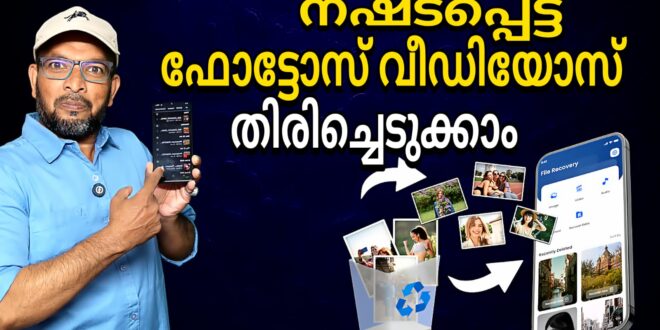
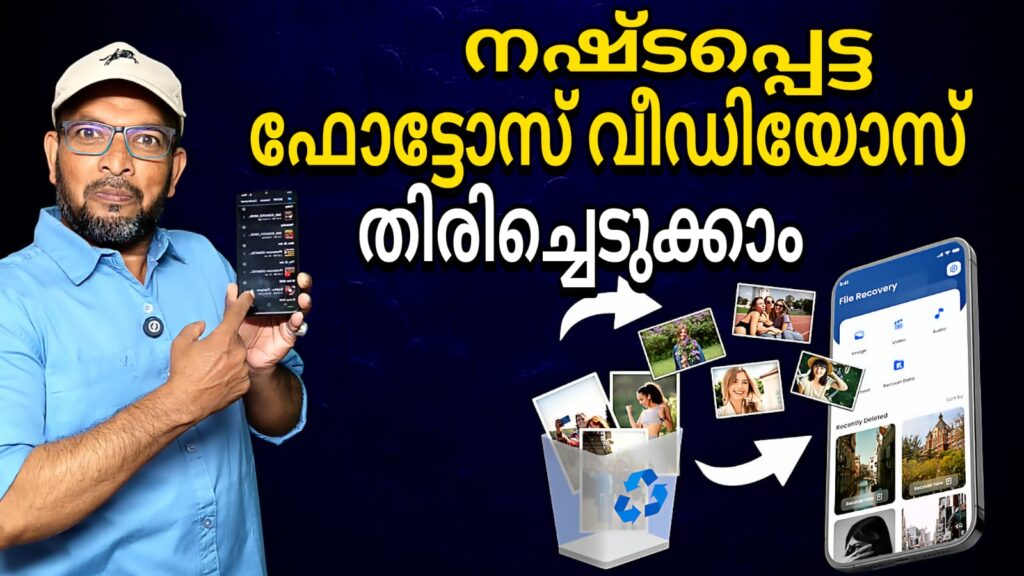
Accidental deletion of photos, videos, or important documents can be a nightmare — especially when there’s no easy way to bring them back. The DiskDigger app for Android offers a solution by helping users recover lost files and restore deleted data directly from their device’s storage. With its straightforward scanning tools and multiple recovery options, DiskDigger aims to be one of the best data recovery apps on the Google Play Store for Android devices.
What Is DiskDigger?
DiskDigger is a file recovery app developed by Defiant Technologies, LLC that enables users to undelete and recover lost photos, images, videos, documents, and other file types from their phone’s internal memory or external SD cards. Whether you accidentally deleted something important or reformatted your storage, DiskDigger’s recovery tools can find traces of your lost files and let you restore them.
It has over 100 million downloads on the Google Play Store and holds a strong reputation among Android users seeking reliable photo recovery and data restoration.
Key Features of DiskDigger
Photo & Video Recovery
DiskDigger excels in restoring deleted photos and videos. The app scans your device’s storage to find recoverable pictures and movies that might still remain in hidden or lost file fragments. Even if a picture was removed from your gallery, DiskDigger can often find and retrieve it.
Recover Other File Types
Beyond media files, the app can also look for documents, audio files, and non-media files depending on your device’s access permissions and storage state. This makes it a versatile Android file recovery app for a variety of data retrieval needs.
Cloud & Local Save Options
DiskDigger allows you to save recovered files directly to cloud storage services like Google Drive and Dropbox, or send them via email. Alternatively, you can save them to any local folder on your device’s internal storage or SD card — giving flexibility in how you store your restored data.
Limited & Full Scan Modes
For non-rooted devices, DiskDigger performs a limited scan of your internal storage, thumbnail caches, and databases to locate lost files. If your Android device is rooted, the app can perform a deeper full scan of your device’s memory, increasing the chances of recovering a wider range of file types.
Clean Up & Wipe Options
The app includes a Clean Up feature to permanently delete files you don’t want to restore, and a Wipe Free Space option that helps erase traces of deleted data — preventing future recovery if needed.
Benefits of Using DiskDigger
Using DiskDigger can save precious memories, important work files, and personal documents that were mistakenly deleted. Its intuitive interface and cloud upload options make photo and file recovery easy even for users with minimal technical experience.
Things to Consider
While DiskDigger is powerful, recovery results can vary depending on how much new data has been written to your storage since the deletion occurred. Additionally, full recovery of all file types often works best on rooted Android devices, though basic photo recovery is still effective on non-rooted phones.
If you’re searching for a reliable Android file recovery app to restore deleted pictures, videos, and other files, DiskDigger remains a strong choice. Its powerful scanning tools, cloud backup options, and flexible save features make it a go-to solution for Android users facing accidental data loss.